dailyorbs.quest
Daily Orbs Not Loading? iPhone, Android and Desktop Fixes
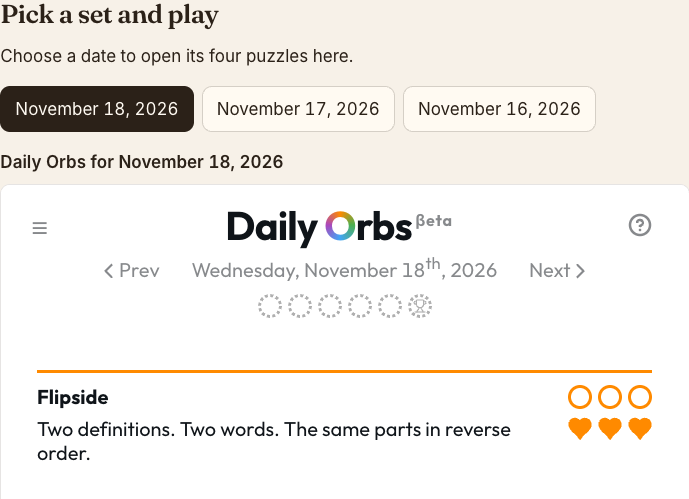
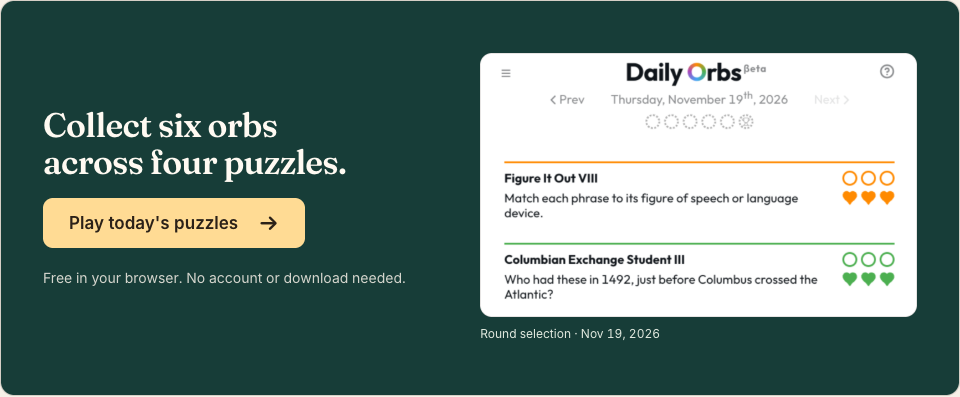
If you can see Play today's puzzles, select it once. The game is ready when a date and four puzzle cards appear. If you've already selected Play, use the section that matches your screen.
The page opens, but the game window stays blank
Refresh the page once, then select Play today's puzzles again. On a computer, use the browser's reload button. Full screen enlarges the window once it works.
If the window stays empty, see whether another page loads on the same connection. If that fails too, reconnect to Wi-Fi or mobile data and try again. If the rest of the site works, report the blank player and include the puzzle date, your browser and what appeared after you pressed Play.
The link opened inside another app on iPhone or Android
Copy this page's address, then paste it into Safari on iPhone or Chrome on Android. Open today's game there and press Play. If the four dated cards appear, you can finish the set in that browser.
If you already started a puzzle, try the browser you used for those moves first. Guest progress is tied to browser storage. Clearing site data can remove your saved game.
A past date is asking me to watch an ad
An ad prompt on a past set means the archive has responded. To play that date, follow the prompt inside the player. To skip the ad and play a different set, open today's puzzles. Today's set opens without a rewarded ad.
On the past puzzles page, select a date and compare it with the date above the cards. This is the November 18 set after it opened inside the page.